Paste the setup key
Use a Base32 secret, add an optional label with a vertical bar, or paste an otpauth URI for the 2FA code.
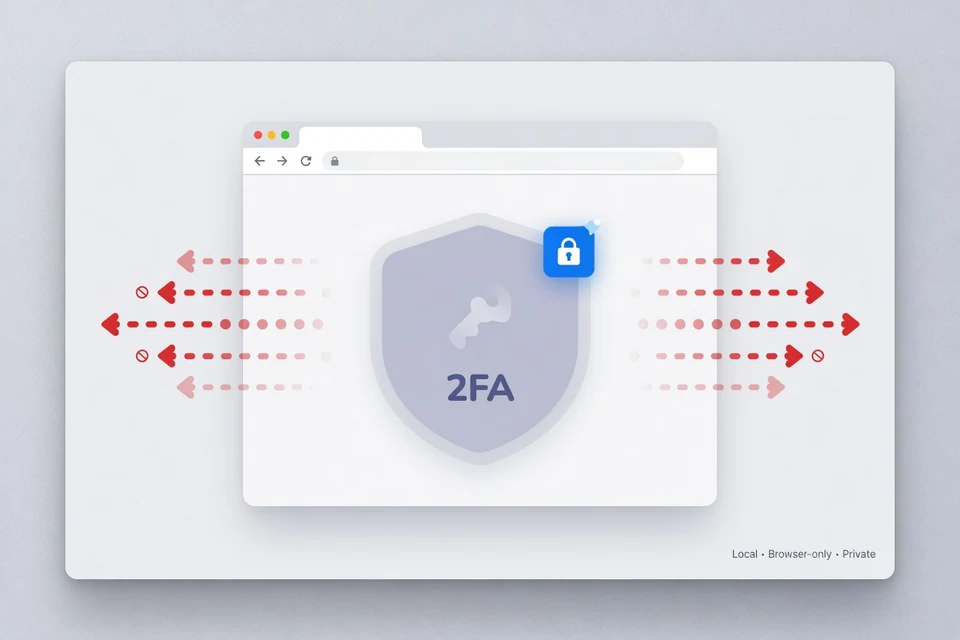
Generate one or up to 50 TOTP codes in this browser. Secrets stay in the tab—nothing is uploaded or stored.
Browser only
Codes refresh automatically. Clear when you are done.
For standard TOTP only—not SMS codes, account recovery, or bypassing two-factor authentication. Need a scannable setup image?2FA QR code generator.
Simple by default
Paste the manual setup secret from the service you are protecting, generate the current code, then copy it into that service. Everything needed for the calculation is already in the secret and your device's current time, so this online TOTP generator does not need an API call.
Use a Base32 secret, add an optional label with a vertical bar, or paste an otpauth URI for the 2FA code.
The 2FA code is calculated with bundled browser-local cryptography and the settings carried by the entry.
Copy one 2FA code or the whole labeled batch, then clear the page memory when the task is complete.
Less repetition
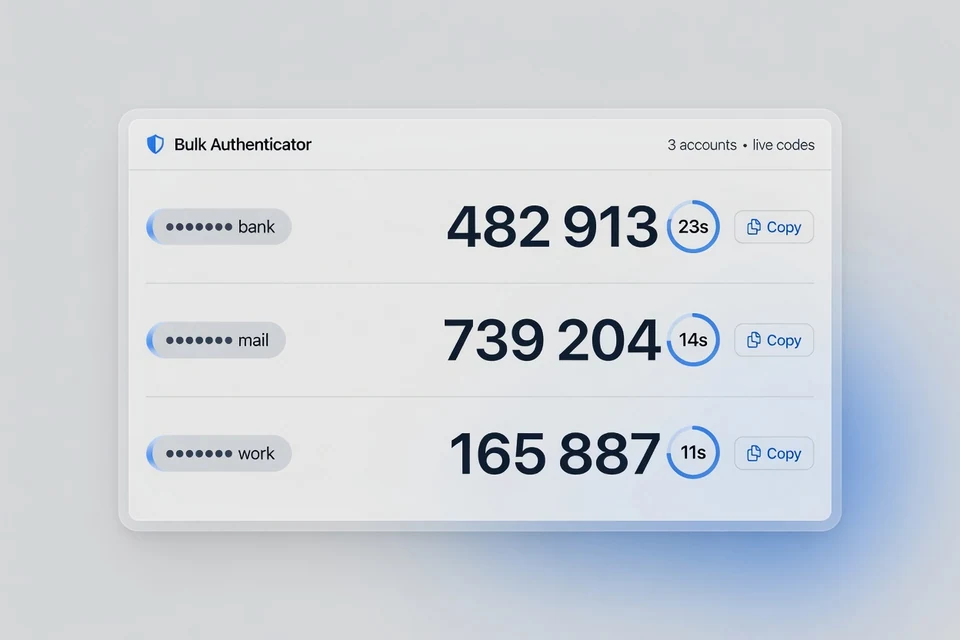
A batch should feel as direct as a single code. The same input accepts up to 50 entries, preserves useful labels, reports bad lines individually, and refreshes every valid 2FA code in place. There is no save mode to accidentally leave enabled and no share link that can expose a secret later.
Specific, not vague
The 2FA code generator is delivered as a static page. Code generation happens inside the tab; the tool does not call a generation API or write authentication data to browser storage. Optional page analytics may load for traffic measurement and are separate from generation. You can inspect the Network panel while generating a 2FA code and reload the page to confirm that the workspace is gone.
That design removes a common risk, but it does not make a browser invulnerable. A malicious extension, compromised operating system, copied look-alike site, or altered future build could still read what a user types. For high-value accounts, treat this as a temporary utility and keep long-lived secrets in a trusted, isolated authenticator or encrypted vault.
Same input, same moment
TOTP means time-based one-time password. The authenticator and the account service share the same secret, divide time into equal windows, and independently calculate the matching value for the current window. The standard default is a 30-second period with HMAC-SHA-1 and six digits.
An otpauth URI may specify SHA-256, SHA-512, seven or eight digits, or another reasonable period. This free online TOTP generator reads those supported settings instead of silently forcing every entry into one format. A plain Base32 line uses the common six-digit, 30-second default.
Fix the cause
A rejected 2FA code is usually a time, secret, or configuration mismatch—not something that can be fixed by generating random numbers. Use a new code after each check, and switch to the provider's recovery process if the original secret is no longer available. Generate a fresh 2FA code after correcting each mismatch.
Enable automatic date, time, and time zone on the device running the generator.
Confirm every Base32 character and make sure the key belongs to the account being opened.
For non-default setups, use the full otpauth URI so algorithm, digits, and period travel together.
A generator cannot recreate a lost secret. Use saved backup codes or the service's official support flow.
Useful answers
These answers cover the practical questions people ask before putting a sensitive setup key into an online tool. The short version: understand where the secret came from, keep it local, and know when a dedicated authenticator is the better choice.
2FACode processes the secret in this browser tab and does not send it to a generation API or secret storage system. Page analytics may measure visits but are not used as a TOTP backend. No web tool can protect a secret from a compromised device, malicious browser extension, or a look-alike domain. Use a trusted device, confirm the domain, clear the workspace when finished, and prefer a dedicated authenticator or encrypted vault for long-term storage.
No. The generator does not put 2FA secrets or codes in LocalStorage, SessionStorage, IndexedDB, cookies, URLs, or a server database. Active entries exist only in page memory and disappear when you clear the workspace, close the tab, or reload the page. The separate theme preference may be stored locally, but it never contains authentication data.
Yes. The bulk 2FA generator accepts up to 50 non-empty lines in one batch. Paste a Base32 secret on each line, use “Label | SECRET” to keep accounts recognizable, or paste standard otpauth TOTP URIs. Each valid entry receives its own live code and countdown, while an invalid line gets a line-specific error without exposing the submitted secret.
A TOTP generator creates a time-based one-time password from a shared secret and the current time. Under RFC 6238, the authenticator and the service independently perform the same HMAC calculation for the same time window, so they produce a matching 2FA code without contacting each other. Most services use six digits, SHA-1, and a 30-second period, although an otpauth URI can specify supported alternatives.
The service you are protecting shows the secret when you first enable an authenticator app. Look for wording such as “enter setup key manually,” “can’t scan the QR code,” or “show secret.” It is usually a Base32 string. If setup is already complete and the service no longer shows the secret, use its recovery flow or a saved backup; this 2FA code generator cannot recover a missing key.
Yes. The current 2FA code generator is free to use, requires no account, and has no paid generation limit. The 50-line cap keeps the interface responsive and makes accidental oversized pastes easier to catch. There are no display ads or affiliate scripts in the generator.
No app or extension is required for this temporary browser workflow. A modern browser with HTTPS and Web Crypto support is enough. For daily use or permanent storage, a reputable authenticator app, hardware-backed solution, or encrypted password manager may provide stronger isolation and recovery options than repeatedly entering a secret on a website.
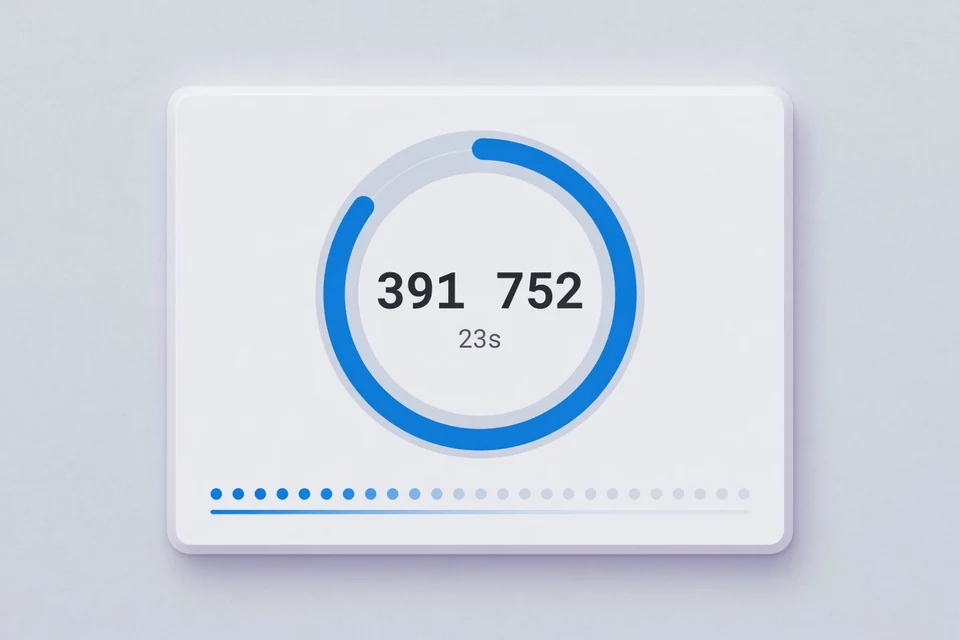
The short lifetime is part of TOTP’s design. Time is divided into fixed periods—commonly 30 seconds—and each period produces a different 2FA code. A service may allow a small neighboring window for clock drift, but an old code quickly stops working. The circular timer beside every result shows how much of the current period remains.
First set your device clock and time zone to automatic, then wait for a fresh 2FA code and try again. Confirm that the Base32 secret belongs to the exact account, that no character was lost during copying, and that an imported URI uses the expected algorithm, digit count, and period. If a previously working secret suddenly fails, use the provider’s recovery or support process rather than repeatedly guessing codes.
It works with services that provide a standards-based TOTP secret or otpauth TOTP URI. Many Google, Microsoft, GitHub, Facebook, Discord, Amazon, and other account setups use that standard, but each company can offer additional 2FA methods or recovery rules. 2FACode is independent and is not endorsed by or affiliated with those services.
No. A valid 2FA code requires the original shared secret; the generator cannot derive that secret from an account name, an expired code, or a login page. It cannot bypass two-factor authentication, receive SMS codes, or unlock an account. Use the account provider’s backup codes, recovery method, or support channel if the secret is lost.
Use this website for a deliberate temporary workflow, testing, or a batch you do not want to save. A trusted authenticator app or encrypted vault is usually a better home for long-lived secrets because it can add device encryption, biometric access, backup, and stronger isolation. Browser-only processing is a useful privacy property, not a promise that every browser environment is risk-free.
Ready when you are
One secret or fifty, the workflow stays local, temporary, and easy to clear.
Open the 2FA code generatorHelp improve 2FACode.im — bugs, ideas, or questions are welcome.
Thanks — we received it.