Base32 or URI input
Paste a manual secret or preserve issuer settings with the full otpauth URI.
Test whether a TOTP code matches a Base32 secret or otpauth URI without sending either value to a verification server.
Browser only
For authorized testing and troubleshooting only. Need a current code instead? Open the 2FA code generator.
Key features
The TOTP verifier keeps one job clear: compare a candidate TOTP code with the expected value for a known secret. It exposes the settings that cause real mismatches and leaves account authentication to the provider.
Paste a manual secret or preserve issuer settings with the full otpauth URI.
Match common six-digit TOTP codes and supported seven- or eight-digit setups.
Test SHA-1, SHA-256, or SHA-512 without silently changing the selected value.
Know whether the TOTP code matched now, one step early, or one step late.
What it is
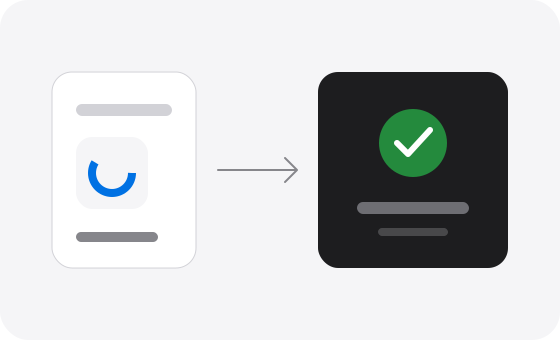
A TOTP verifier is the checking side of time-based one-time password authentication. It uses the same shared secret, HMAC algorithm, digit length, time period, and clock position as an authenticator. If the calculated TOTP code equals the candidate code, the verifier returns a match for that time window.
This is different from the TOTP generator on the homepage, which displays a live TOTP code, and the 2FA QR code generator, which turns an existing secret into enrollment data. This TOTP validator online does not log into an account, receive SMS messages, bypass 2FA, or recover a missing secret.
Use the TOTP secret key generator only when creating a new test or application enrollment. If an authenticator code keeps failing, follow the 2FA code troubleshooting guide after running this test.
How to
A reliable test needs the exact secret and settings used to create the candidate TOTP code. A full otpauth URI is safest because it carries the algorithm, digits, and period together.
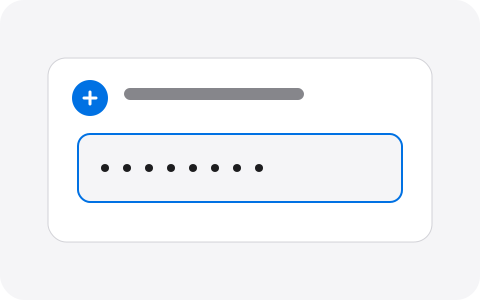
Use a Base32 setup key or a full otpauth TOTP URI from a system you own or are authorized to test.
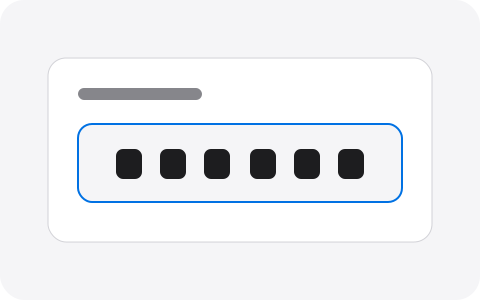
Type the current 6–8 digit TOTP code and match algorithm, digits, and period when using a plain secret.
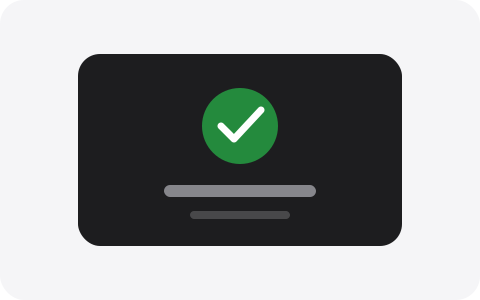
See whether the code matches the current or neighboring time window, then act on the specific mismatch.
Why choose it
A bare “invalid” message is rarely enough. This TOTP verifier gives developers, operators, and careful users the evidence needed to separate clock drift from a wrong secret or configuration.
The secret and TOTP code stay in page memory while the comparison runs.
A neighboring match points to timing instead of pretending every result is simply current.
Algorithm, digits, and period remain visible for reproducible TOTP code tests.
No account, saved vault, share URL, or recovery database is added to the workflow.
Pro tips
When a TOTP code verify failed message appears, change one variable at a time. Repeatedly submitting the same code cannot repair an incorrect secret or an unsynchronized clock.
Synchronize date, time, and time zone on both the device producing the TOTP code and the system running the verifier.
Generate or read a fresh TOTP code near the start of its period instead of typing one with only a second remaining.
An otpauth URI prevents accidental SHA, digit, or period mismatches that occur when only the Base32 secret is copied.
Re-enabling 2FA usually creates a new secret. A TOTP code from the old enrollment will remain invalid forever.
Limit: a valid local result does not override the provider’s replay protection, account state, or recovery policy. This TOTP verifier cannot authorize access or bypass another service.
Use cases
Use this TOTP tester online for controlled checks where you already possess the authorized secret. Keep production secrets in their normal protected store and prefer dedicated test credentials.
Confirm that a backend and client agree on the same TOTP code, algorithm, period, and digit length.
Check a known test fixture before investigating UI automation or login-flow failures.
Compare a newly enrolled device with the same secret before removing the old authenticator.
Use a previous or next-window match as a signal to repair device or server time synchronization.
FAQ
Direct answers about testing a TOTP code, interpreting a match, and keeping the shared secret within its proper security boundary.
A TOTP verifier checks whether a numeric TOTP code matches a shared secret for a specific time window. This page calculates the expected code locally, compares it with the code you entered, and reports only Valid or Invalid. It does not contact the account provider or confirm ownership of an online account.
Paste the Base32 secret or full otpauth URI, enter the 6–8 digit TOTP code, and select Verify TOTP code. The TOTP verifier tests the current time window and one neighboring window on either side. Use only secrets from accounts or test systems you are authorized to inspect.
A failed TOTP code usually means the clock, secret, algorithm, digit count, or period does not match. Enable automatic time, wait for a new TOTP code, and retry with the full otpauth URI when possible. If the secret was replaced during account setup, an old copy can no longer create a valid code.
No. The TOTP validator runs the calculation inside this browser tab and does not call a verification API or store the secret. Page analytics may measure a visit, but the TOTP code and secret are not submitted as analytics fields. A compromised device or extension can still read page inputs, so use a trusted environment.
It means the TOTP verifier checks the current interval plus the immediately previous and next intervals. With a 30-second period, that tolerates a small clock difference or a code entered just as it rotates. A real service may use a narrower or wider policy, so this result does not guarantee that service will accept the code.
Yes. Plain Base32 input can be checked with 6, 7, or 8 digits, and a full otpauth URI supplies its own digit setting. The entered TOTP code must have exactly the configured length. Six digits is the common default; change it only when the issuer documents another value.
Yes. The TOTP verifier supports SHA-1, SHA-256, and SHA-512, along with periods from 15 to 120 seconds. SHA-1, six digits, and 30 seconds remain the most interoperable defaults. Both the authenticator and verifier must use identical settings or every TOTP code will differ.
No. Valid only proves that the candidate TOTP code matches the supplied secret and time settings within this page’s window. A provider can reject reused codes, apply a different window, disable the account, replace the secret, or require another factor. Use the provider’s own login or recovery flow for the final decision.
No. A TOTP code cannot be reversed into the long-lived shared secret, and this tool cannot retrieve a secret from an account provider. If the original key is missing, use saved backup codes, an enrolled authenticator, or the provider’s official recovery process. Do not submit random codes or third-party account details here.
A TOTP generator starts with a secret and produces the current rotating TOTP code. A TOTP verifier starts with both a secret and a candidate code, then answers whether they match. Use the homepage when you need a live code; use this page when testing a known code or diagnosing a configuration mismatch.
Run the check
Use the exact secret and settings, interpret the time-window result, and remove sensitive inputs as soon as the test is complete.
Open the TOTP verifierHelp improve 2FACode.im — bugs, ideas, or questions are welcome.
Thanks — we received it.