Paste the secret
Use the Base32 setup key from the service, or paste a full otpauth TOTP URI if you already have one.
Turn a Base32 secret or otpauth URI into a scannable 2FA QR code in this browser. Nothing is uploaded—scan with your authenticator app, download a PNG, or copy the URI.
Build a scannable 2FA QR
Browser only
Need live six-digit codes instead?Open the 2FA code generator· Need a brand-new key?Create a TOTP secret· Source-available onGitHub.
How it works
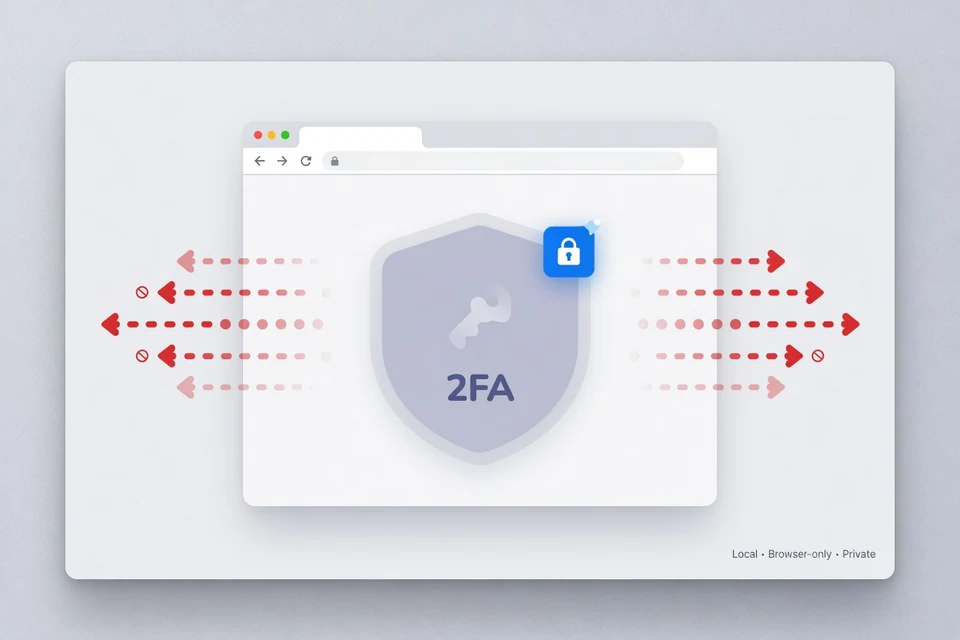
A 2FA QR code is not a random picture. It encodes a standard otpauth://totp/… string that carries the shared secret and the settings your authenticator needs. This online 2FA QR code generator builds that string locally, draws the 2FA QR code on a canvas, and keeps the secret in the tab until you clear it. If you searched for a free 2FA QR code generator online, this page is the dedicated tool for secret-to-QR—not the live six-digit TOTP calculator on the homepage.
Use the Base32 setup key from the service, or paste a full otpauth TOTP URI if you already have one.
Add an account name and optional issuer so Google Authenticator, Authy, or similar apps show a clear title.
Create the QR, scan it with your phone app, then download the PNG or copy the URI if you need a backup image.
From secret key
When a provider shows “enter this key manually,” that Base32 string is enough to rebuild a scannable 2FA QR code. Enter the key, set the label you want on the phone, and generate. Advanced options stay collapsed: most services use SHA-1, six digits, and a 30-second period. Change them only when the service documents non-default values. Generating a QR code from a secret key is the main job of this 2FA QR code generator.
If you already store an otpauth://totp/ URI in a password manager, paste the whole URI into the secret field. The 2FA QR code tool reads algorithm, digits, and period from the URI so the QR matches the original setup. That is often faster than retyping a long Base32 string by hand.
Phone apps
After the QR appears, open your authenticator app and choose add account / scan QR. Compatible apps include common TOTP clients such as Google Authenticator, Microsoft Authenticator, Authy, and other apps that accept standard otpauth TOTP URIs. 2FACode.im is independent and is not endorsed by those brands.
When enrollment finishes, confirm a test login on the original service. If the code is rejected, check clock sync, confirm you scanned the latest QR, and verify advanced settings if the provider uses non-default digits or algorithms.
Two tools, two jobs
Search results mix “QR generator” with “online authenticator.” On 2FACode.im the split is deliberate so each page matches one primary job.
Browser-only encoding
Anyone who can read the 2FA QR code (or the secret inside it) can generate the same codes. Treat the image like the secret. This 2FA QR code generator draws the QR in the page and does not call a generation API. Optional analytics may measure traffic; they are not used as a secret database. “Is a QR code generator safe?” depends on the device and the domain—always confirm you are on 2facode.im.
Prefer a trusted device, verify the domain, avoid public screens when scanning, and clear the form when you finish. For long-term storage, keep secrets in a dedicated authenticator or encrypted vault—not in random screenshots forever. A legitimate 2FA QR code generator should never require an account to encode a secret you already hold.
When it helps
You saved Base32 keys and need a QR again for Google Authenticator or a similar app on a new device.
Enroll a hardware-backed app or a backup phone without disabling 2FA on the service when you still have the secret.
Developers rebuild otpauth QR codes from known test secrets while keeping generation local to the browser.
FAQ
Practical answers about generating a 2FA QR code online, otpauth URIs, authenticator apps, and how this tool differs from a live TOTP code generator.
A 2FA QR code generator turns a TOTP shared secret (and optional account labels) into a scannable QR image. Authenticator apps read the otpauth://totp URI inside the QR so you do not retype the Base32 key by hand.
Paste the Base32 secret from the service setup screen, add an account name and optional issuer, then click Generate QR code. The QR is drawn in this browser tab so you can scan it with Google Authenticator, Authy, Microsoft Authenticator, or another TOTP app.
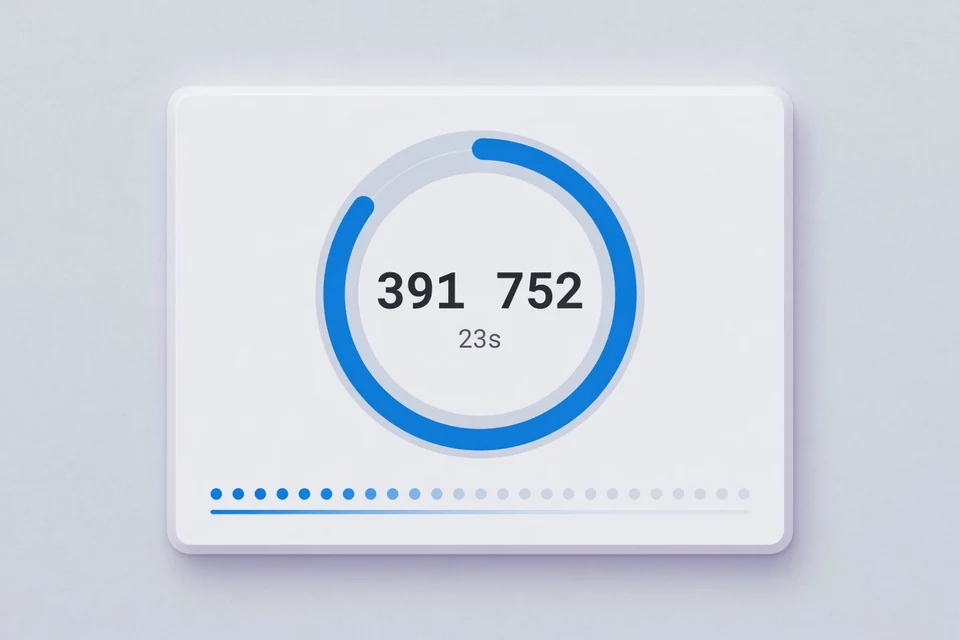
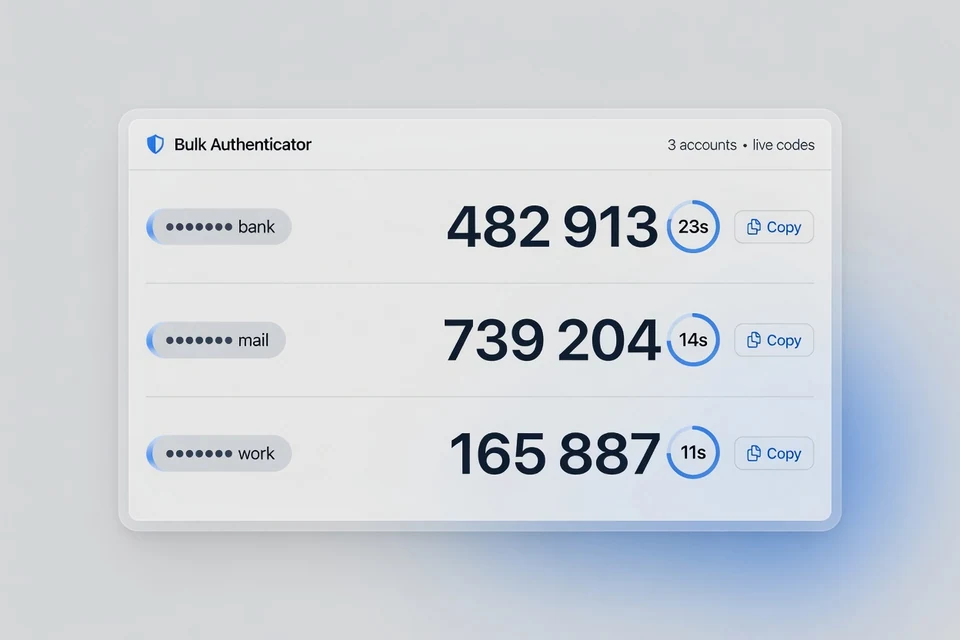
No. This page builds a scannable QR (and otpauth URI) from a secret. The homepage 2FA code generator calculates live six-digit TOTP codes and countdowns. Use this page to enroll a phone app; use the code generator when you need the current login code.
Yes for apps that support standard otpauth TOTP URIs. The QR carries the shared secret and common settings (algorithm, digits, period). Some apps ignore non-default advanced options—when unsure, keep SHA-1, six digits, and 30 seconds.
This tool encodes the QR locally in your browser and does not upload the secret to a generation server. Any web page can still be risky on a compromised device or look-alike domain. Prefer a trusted device, confirm 2facode.im, and clear the page when finished.
QR encoding and preview run in page memory. The secret is not written to LocalStorage as part of generation, there is no generation API, and this tool page does not load third-party analytics. Clearing the workspace or closing the tab removes the in-page fields.
Yes when those apps accept standard TOTP setup via QR. This site is independent and is not affiliated with Google, Microsoft, Authy, or other authenticator brands. After scanning, confirm the account label and a test code on the service that issued the secret.
It is the standard text form of a TOTP setup string, for example otpauth://totp/Issuer:account?secret=BASE32&issuer=Issuer. The QR image is a visual encoding of that URI. You can paste a full URI into the secret field and this tool will reuse its parameters.
Common reasons: moving to a new phone, enrolling a second authenticator, restoring from a written Base32 backup, or giving a teammate a scannable form of a shared lab secret. If you only need the current six-digit login code, open the 2FA code generator instead.
Yes. After generation, use Download PNG to save the canvas image, or Copy otpauth URI to paste the text into another trusted tool. Treat the PNG like the secret itself—anyone who can scan it can generate codes.
A scanner reads a QR image to extract a secret or produce codes. This generator does the reverse: it starts from a secret or URI and draws a QR for apps to scan. If you need live codes from a pasted secret, use the homepage generator.
Not on this page. This URL only builds QR codes from secrets you already have. Decoding a QR image is a separate job; keep screenshots offline or use a trusted local decoder, then paste the secret into the homepage if you need live TOTP digits.
Ready when you are
Build the QR locally, scan it into your authenticator, and clear the tab when you are done.
Help improve 2FACode.im — bugs, ideas, or questions are welcome.
Thanks — we received it.